'%3e%3cpath%20id='&%23232;&%23129;&%23148;&%23229;&%23144;&%23136;%201'%20d='M42.3535%2036V0H54V36H42.3535ZM25.86%2036C25.7847%2035.9993%2025.7128%2035.9689%2025.6598%2035.9154C25.6069%2035.8618%2025.5773%2035.7895%2025.5775%2035.7142V16.688C25.4952%2016.8247%2025.456%2016.8822%2025.42%2016.9487C22.156%2023.0025%2018.9417%2029.1173%2015.1427%2036H0C0%2036%2021.1467%200%2021.3585%200L35.5915%200.00575C36.2649%200.00938759%2036.9093%200.280274%2037.3831%200.758865C37.8569%201.23746%2038.1212%201.88458%2038.118%202.558V35.7142C38.1182%2035.7515%2038.1111%2035.7885%2038.0971%2035.8231C38.083%2035.8576%2038.0623%2035.889%2038.0361%2035.9156C38.0098%2035.9421%2037.9787%2035.9632%2037.9443%2035.9777C37.9099%2035.9922%2037.873%2035.9998%2037.8358%2036H25.86Z'%20fill='url(%23paint0_linear_212_448)'/%3e%3c/g%3e%3cdefs%3e%3clinearGradient%20id='paint0_linear_212_448'%20x1='27'%20y1='0'%20x2='27'%20y2='36'%20gradientUnits='userSpaceOnUse'%3e%3cstop%20stop-color='%230469FF'/%3e%3cstop%20offset='1'%20stop-color='%236004A9'/%3e%3c/linearGradient%3e%3cclipPath%20id='clip0_212_448'%3e%3crect%20width='54'%20height='36'%20fill='white'/%3e%3c/clipPath%3e%3c/defs%3e%3c/svg%3e)


'/%3e%3cpath%20d='M9.20607%2011.18H8.22507L5.36907%206.84001V11.19H4.38007V5.00001H5.37007L8.23407%209.35001V5.00001H9.21507L9.20607%2011.18ZM14.7511%206.00001H11.6581V7.49001H14.4581V8.49001H11.6581V10.1H14.7501V11.1H10.6691V5.00001H14.7421L14.7511%206.00001ZM22.0121%2011.16H21.0221L19.6641%206.56701L18.3061%2011.177H17.3251L15.5731%204.99701H16.6421L17.8001%209.43001L19.1311%205.00001H20.2001L21.4791%209.43001L22.6441%205.00001H23.7201L22.0121%2011.16Z'%20fill='white'/%3e%3cdefs%3e%3clinearGradient%20id='paint0_linear_335_20214'%20x1='0'%20y1='0'%20x2='13.2875'%20y2='24.913'%20gradientUnits='userSpaceOnUse'%3e%3cstop%20stop-color='%231774FE'/%3e%3cstop%20offset='1'%20stop-color='%238F06FB'/%3e%3c/linearGradient%3e%3c/defs%3e%3c/svg%3e)


🤩Never miss an offer again!
Be part of our Club: The free Nero newsletter informs you about the latest Nero products and exclusive offers.
Nero AI Photo Restoration can get rid of scratches, improve colors, sharpen parts of old photos that are fuzzy.
Drag & drop to upload your old / scratched images
No image on hand?
Try one of these


Free to restore photos with the AI Photo Enhancer & Upscaler - Nero Lens App on your mobile.


'/%3e%3cdefs%3e%3clinearGradient%20id='paint0_linear_239_205'%20x1='32.1059'%20y1='15.9995'%20x2='32.1059'%20y2='47.1635'%20gradientUnits='userSpaceOnUse'%3e%3cstop%20stop-color='%230086FF'/%3e%3cstop%20offset='1'%20stop-color='%23740B96'/%3e%3c/linearGradient%3e%3c/defs%3e%3c/svg%3e)
Processed total

Processed in last 24h
'/%3e%3cdefs%3e%3clinearGradient%20id='paint0_linear_239_222'%20x1='7'%20y1='35'%20x2='60'%20y2='35'%20gradientUnits='userSpaceOnUse'%3e%3cstop%20stop-color='%230086FF'/%3e%3cstop%20offset='1'%20stop-color='%23740B96'/%3e%3c/linearGradient%3e%3c/defs%3e%3c/svg%3e)
Average processing time

Users in last 24h


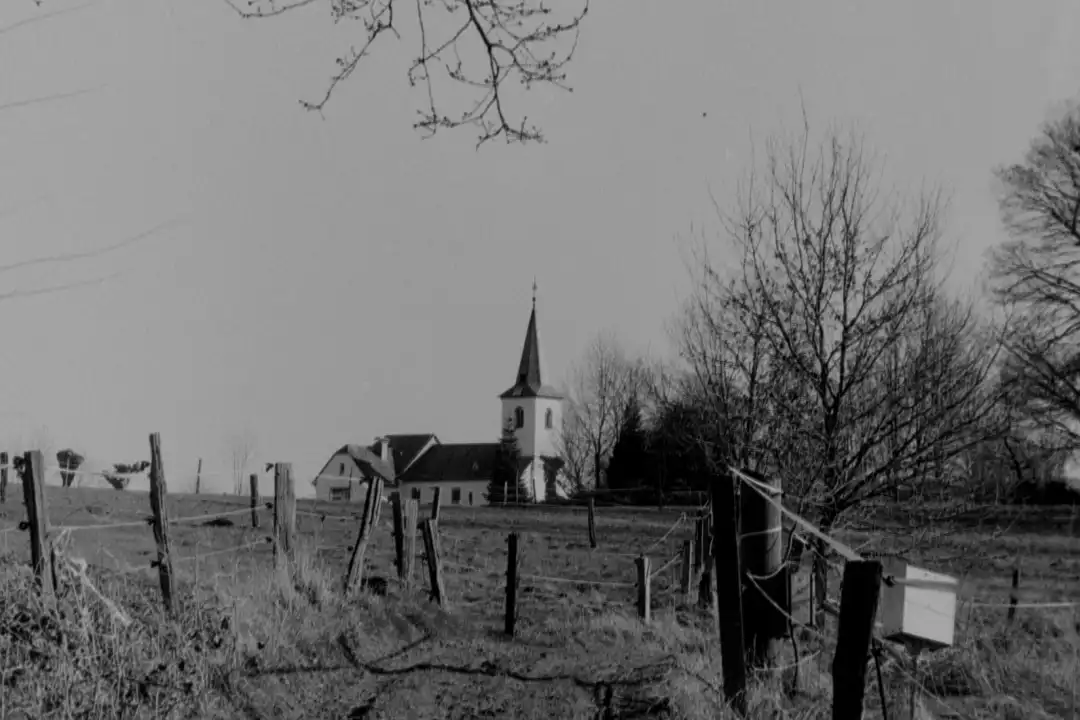

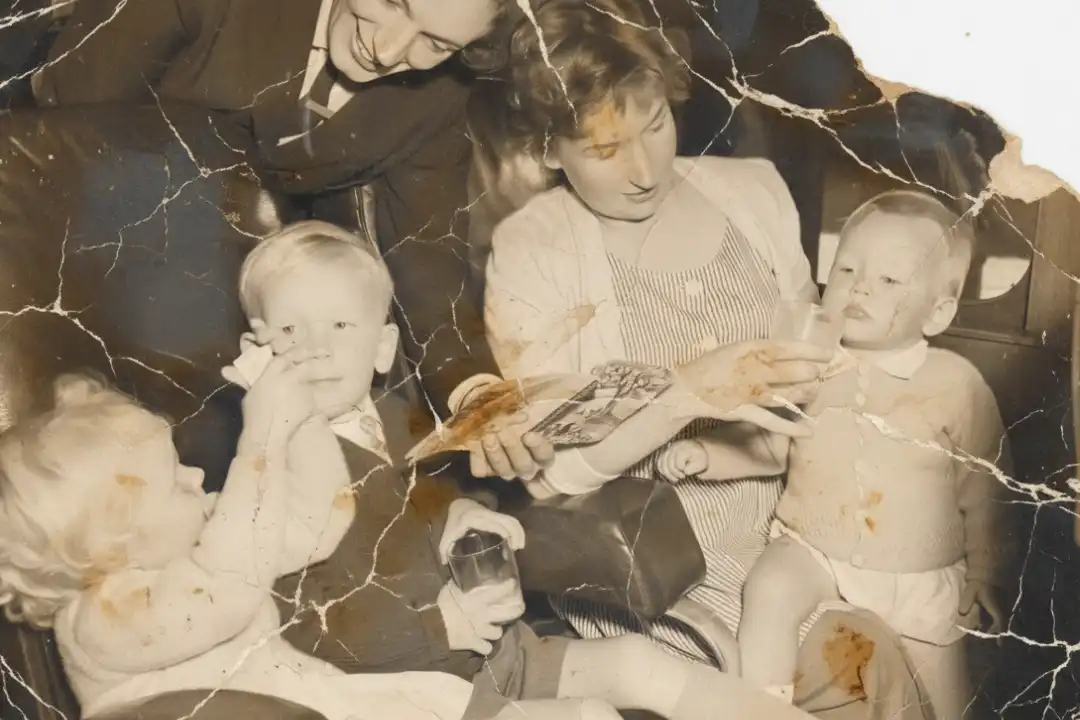

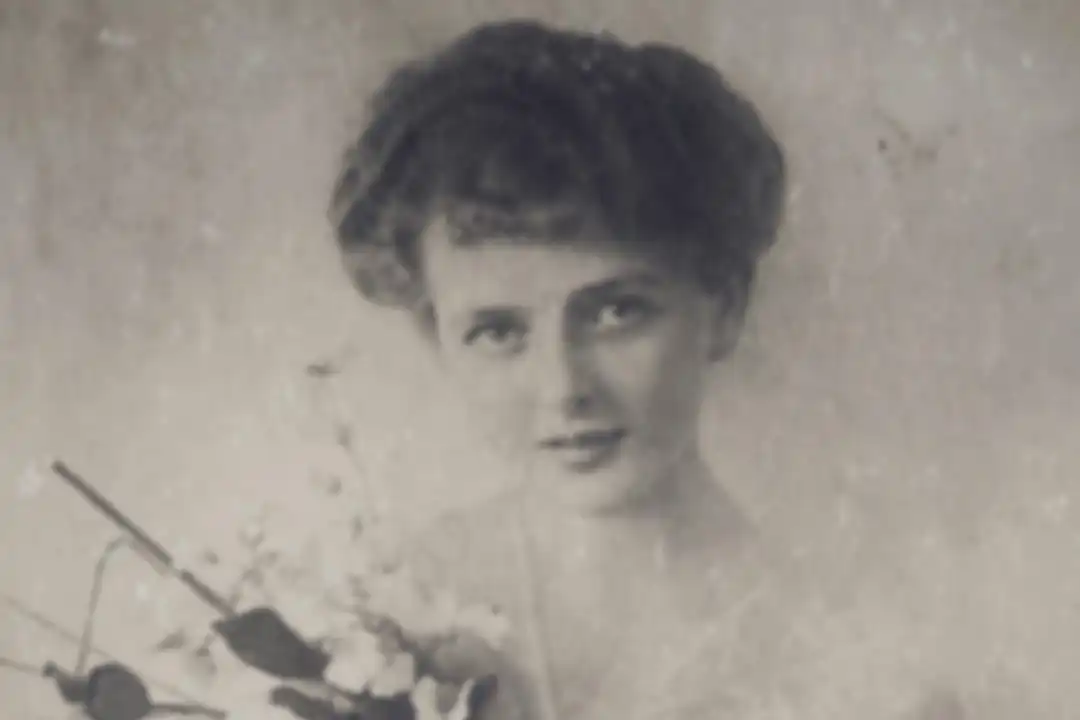

Nero AI Photo Restoration helps repair scratches, improve faded areas, and bring out facial details in old portraits and family photos. Upload a photo or try a sample to explore the restoration options.
Yes. Nero AI Photo Restoration includes colorization alongside damage repair and facial enhancement, so you can restore an aging black-and-white photo and explore a color version in the same workflow. If your photo only needs color, try Nero AI Colorize Photo.
AI can improve photos with visible scratches, fading, and unclear facial details. The amount of improvement depends on the original photo and selected model. Where important details are missing, AI may generate a plausible result rather than reproduce the exact original; generated colors may also differ from the original scene.
Check the HD output option in the restoration workspace to see whether it is available for your image. If you want to enlarge the restored result further, try Nero AI Image Upscaler.
Yes. New users receive 10 free trial Credits to get started. Upload your photo, choose a restoration model, and check the Credits required before processing. When you need more, you can purchase additional Credits.
Yes. The Nero AI API lets you add photo restoration to your application or workflow. Explore the Nero AI API for integration details.
We offer AI Photo Enhancer & Upscaler - Nero Lens to mobile users. You can find your version above or at lens.nero.com.
Be part of our Club: The free Nero newsletter informs you about the latest Nero products and exclusive offers.
'%20fill='%23FDB03B'/%3e%3c/svg%3e)