'%3e%3cpath%20id='&%23232;&%23129;&%23148;&%23229;&%23144;&%23136;%201'%20d='M42.3535%2036V0H54V36H42.3535ZM25.86%2036C25.7847%2035.9993%2025.7128%2035.9689%2025.6598%2035.9154C25.6069%2035.8618%2025.5773%2035.7895%2025.5775%2035.7142V16.688C25.4952%2016.8247%2025.456%2016.8822%2025.42%2016.9487C22.156%2023.0025%2018.9417%2029.1173%2015.1427%2036H0C0%2036%2021.1467%200%2021.3585%200L35.5915%200.00575C36.2649%200.00938759%2036.9093%200.280274%2037.3831%200.758865C37.8569%201.23746%2038.1212%201.88458%2038.118%202.558V35.7142C38.1182%2035.7515%2038.1111%2035.7885%2038.0971%2035.8231C38.083%2035.8576%2038.0623%2035.889%2038.0361%2035.9156C38.0098%2035.9421%2037.9787%2035.9632%2037.9443%2035.9777C37.9099%2035.9922%2037.873%2035.9998%2037.8358%2036H25.86Z'%20fill='url(%23paint0_linear_212_448)'/%3e%3c/g%3e%3cdefs%3e%3clinearGradient%20id='paint0_linear_212_448'%20x1='27'%20y1='0'%20x2='27'%20y2='36'%20gradientUnits='userSpaceOnUse'%3e%3cstop%20stop-color='%230469FF'/%3e%3cstop%20offset='1'%20stop-color='%236004A9'/%3e%3c/linearGradient%3e%3cclipPath%20id='clip0_212_448'%3e%3crect%20width='54'%20height='36'%20fill='white'/%3e%3c/clipPath%3e%3c/defs%3e%3c/svg%3e)


🤩Never miss an offer again!
Be part of our Club: The free Nero newsletter informs you about the latest Nero products and exclusive offers.
Nero AI Film Emulation can apply film stocks, add analog grain, and recreate vintage cinematic aesthetics for your digital photos.
Analog Film Emulation Online for free via AI
Nero AI Film Emulation can apply film stocks, add analog grain, and recreate vintage cinematic aesthetics for your digital photos.
Drag & drop to upload your images
No image on hand?
Try one of these

'/%3e%3cdefs%3e%3clinearGradient%20id='paint0_linear_239_205'%20x1='32.1059'%20y1='15.9995'%20x2='32.1059'%20y2='47.1635'%20gradientUnits='userSpaceOnUse'%3e%3cstop%20stop-color='%230086FF'/%3e%3cstop%20offset='1'%20stop-color='%23740B96'/%3e%3c/linearGradient%3e%3c/defs%3e%3c/svg%3e)
Processed total

Processed in last 24h
'/%3e%3cdefs%3e%3clinearGradient%20id='paint0_linear_239_222'%20x1='7'%20y1='35'%20x2='60'%20y2='35'%20gradientUnits='userSpaceOnUse'%3e%3cstop%20stop-color='%230086FF'/%3e%3cstop%20offset='1'%20stop-color='%23740B96'/%3e%3c/linearGradient%3e%3c/defs%3e%3c/svg%3e)
Average processing time

Visitors in last 24h


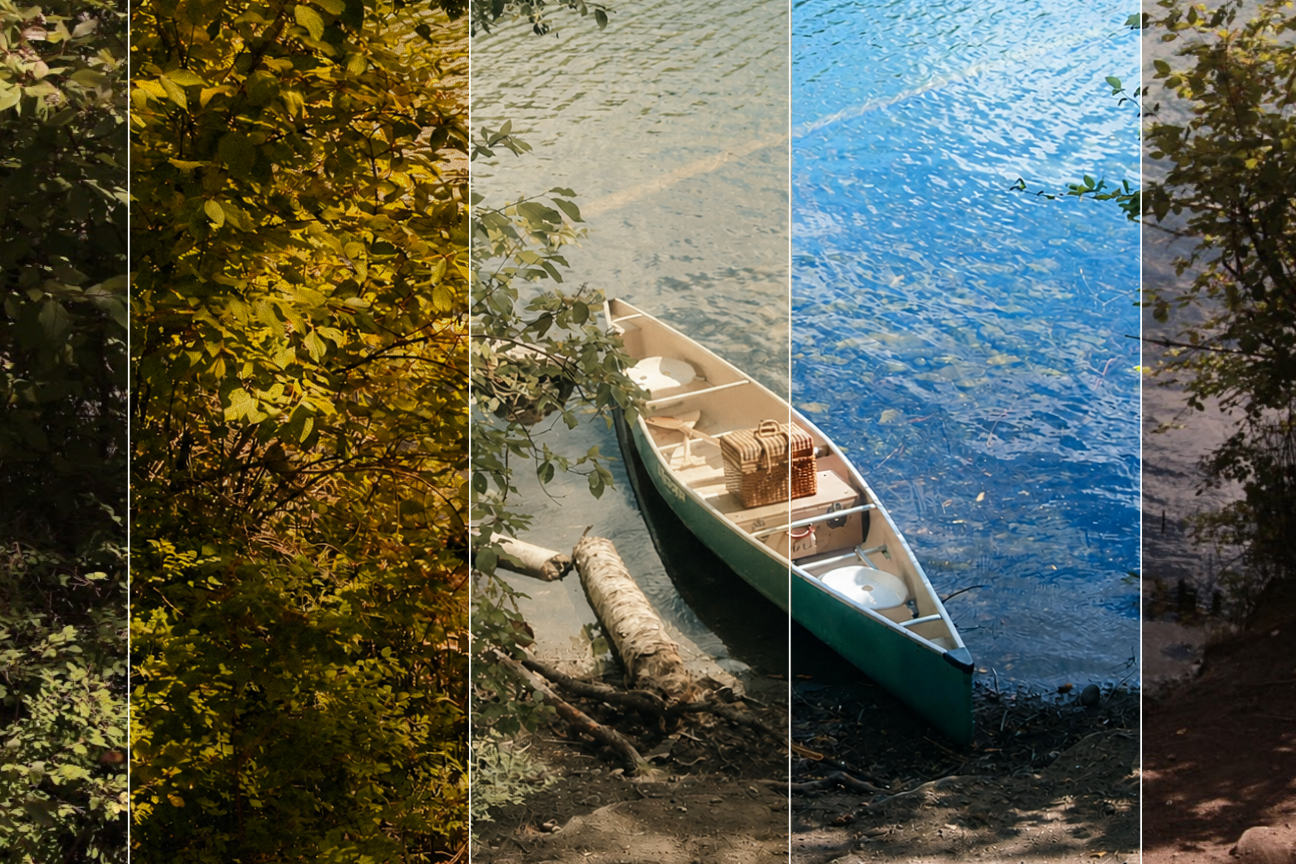
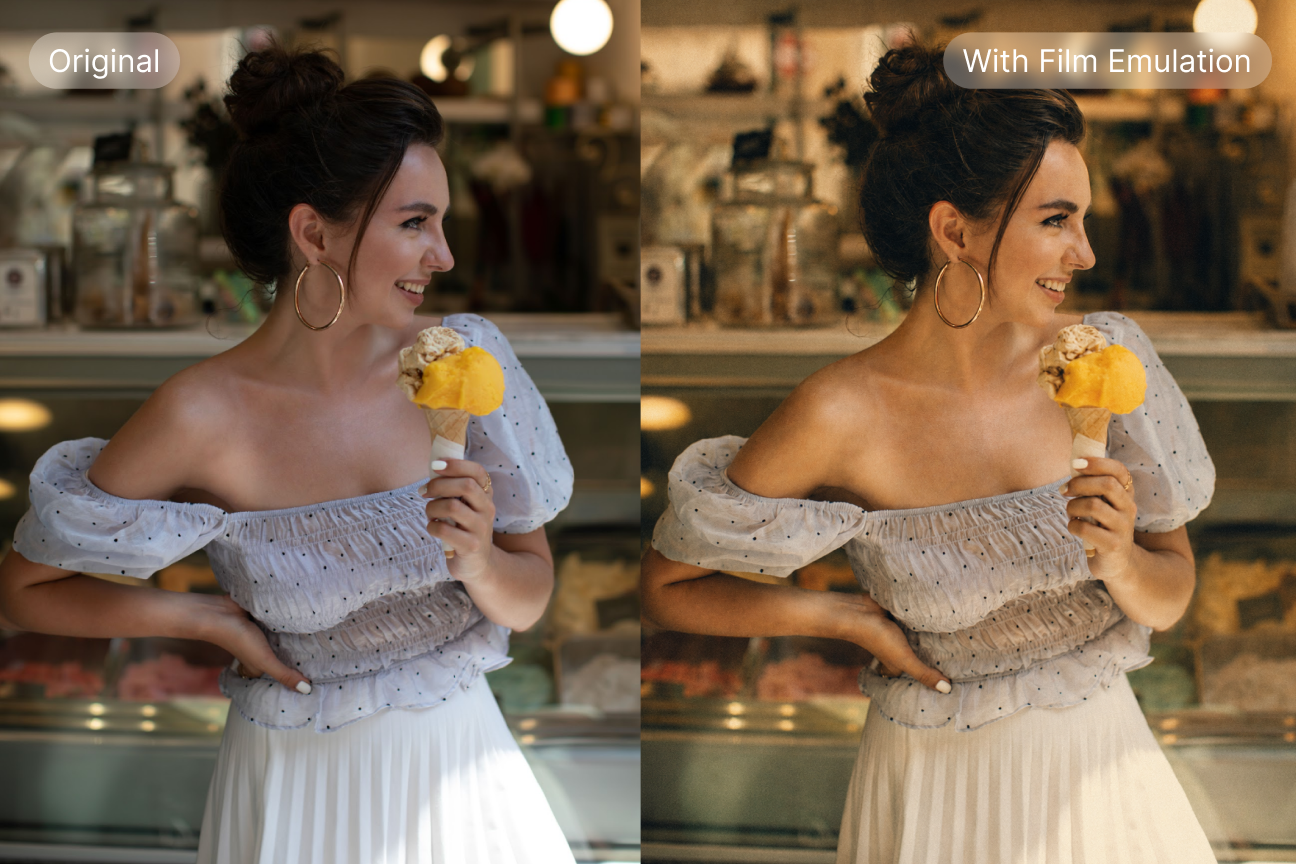
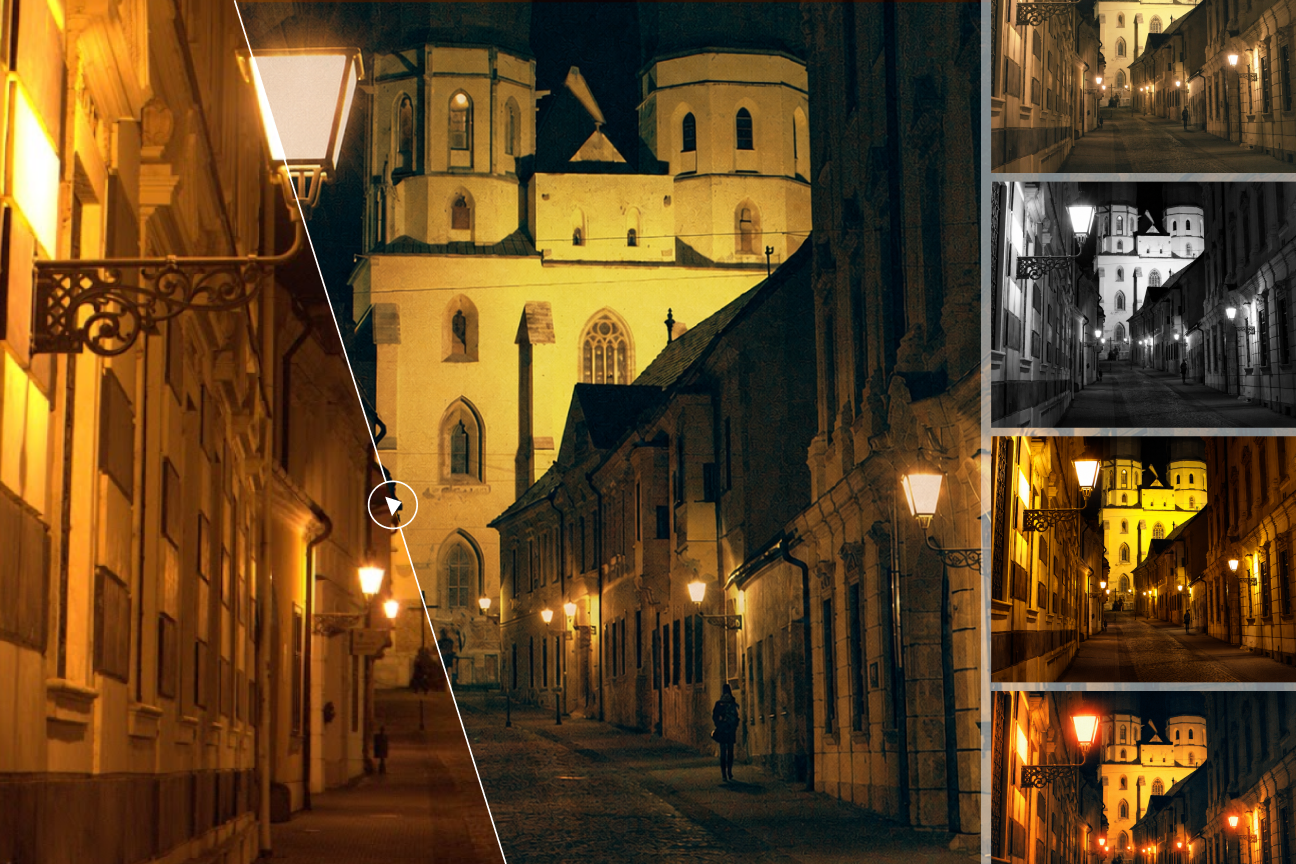
Nero AI Film Emulation is an online web service that uses AI models to apply classic film colors, authentic grain, and vintage aesthetics to modern digital photos. Users can choose the film effects they want, and after processing, it makes your digital photos look like they were shot on real analog film.
Upload the images you want to emulate. Supported formats include jpg, jpeg, png, bmp, webp, jfif, jfi, jif, jpe, avif, and RAW formats (Pro Pass only).
You can select from Color negative, Slide film, Black and White, and Special film presets. Adjust the overall effects, grain or halation strength, then click "Start" to process.
Once processing is complete, you can preview the emulated image and download it instantly.
Modern digital photos, portraits, street photography, and landscapes are perfect for our service. However, we can't guarantee perfect emulation on photos with extremely low lighting or heavy digital noise, as adding film grain to existing digital artifacts may lead to unpredictable results. Because our AI model correlates colors and lighting to generate the film effect, overly compressed images may lead to distortion of the cinematic aesthetic. Nevertheless, we continuously optimize our model to help you achieve that authentic analog look as much as possible.
If you want to adjust the texture in the photo and reduce the analog noise, you can adjust the slider of Grain Power to reduce the analog noise.
We offer 10 free trial Nero Credits for new users. Image processing requires Credits, and for this page, each processing consumes 2 Credits.
After you have used up your free Credits, you can refill here.
Be part of our Club: The free Nero newsletter informs you about the latest Nero products and exclusive offers.
'%20fill='%23FDB03B'/%3e%3c/svg%3e)