



Cartoonize Photos Online for Free with AI Filters

Turn your photos into cartoons or explore creative AI filters for unique artistic looks.

For more styles, get them now on your mobile device.

Desktop
win-badgemac-badgemicrosoft-badge
Mobile
apple-badgegoogle-badge
678,681

Processed total

320

Processed in last 24h

13.7 s

Average processing time

352

Visitors in last 24h

feedback_icon
Share it and earn 5 Nero Credits.
feedback_icon
Click here to give feedback.

Photo to Cartoon at a Glance

  • Free & Plus Access

    Get free trial credits and try Plus filters when you sign in.

  • Four Photo Categories

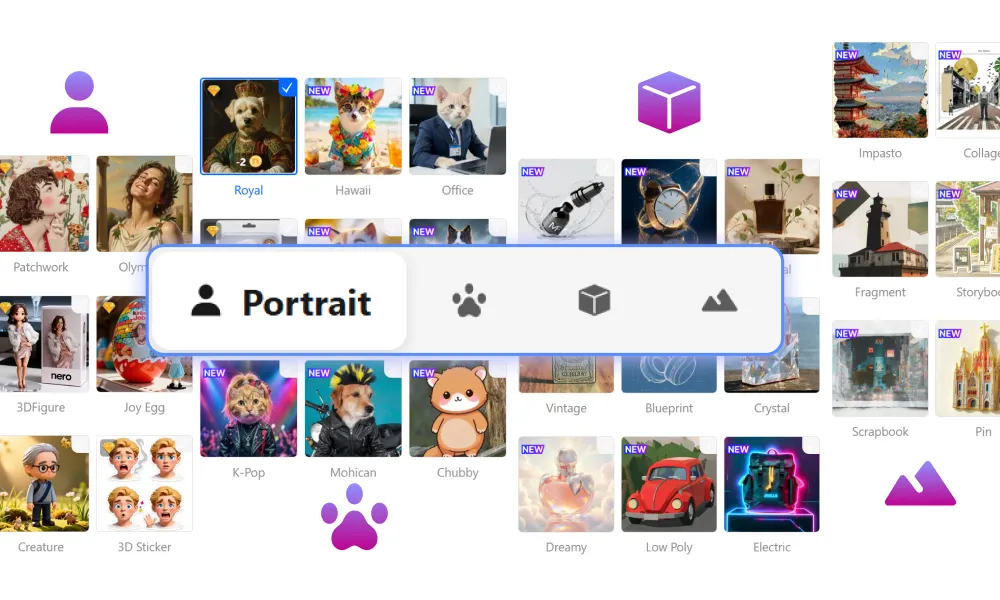
    Browse styles for people, pets, products, and landscapes.

  • Image Requirements

    Support most common formats.

  • Upload Privacy

    Learn how Nero handles uploaded images in our Privacy Policy.

Explore Cartoon Styles & AI Photo Filters

3.5
Based on 3,306 users

Turn portraits and pets into cartoons, or try artistic AI filters for products and landscapes.

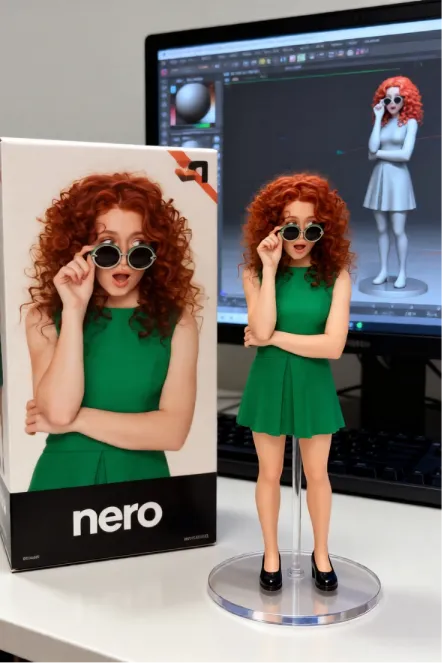
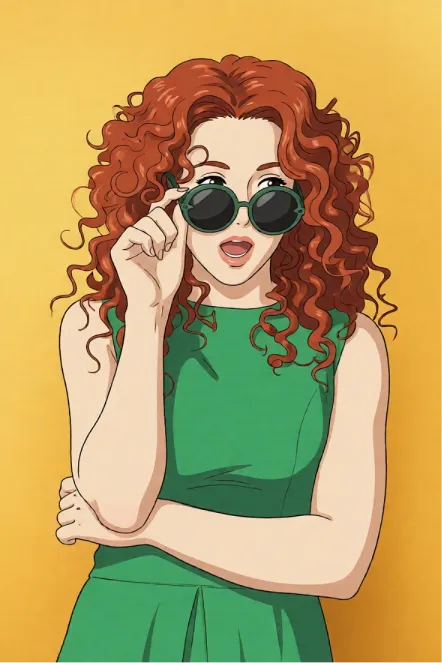
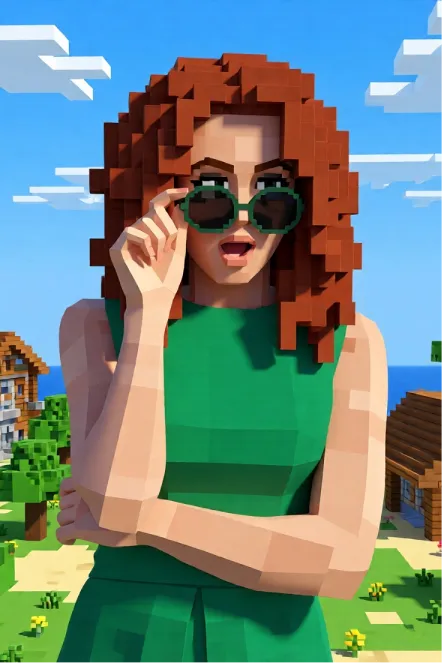
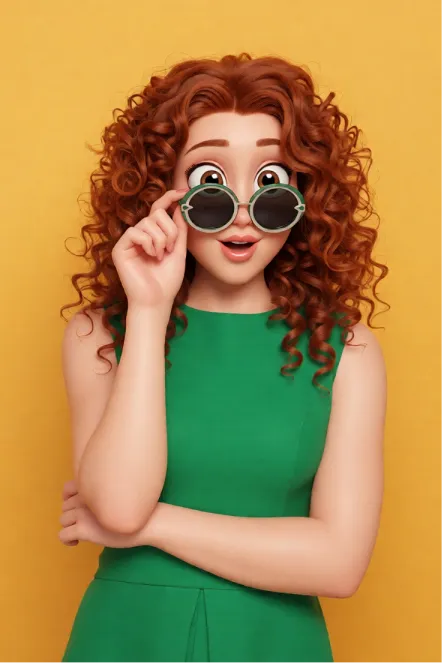
  • People 1
  • People 2
  • People 3
  • People 4
  • People 5
create-avatars-and-creative-portraits

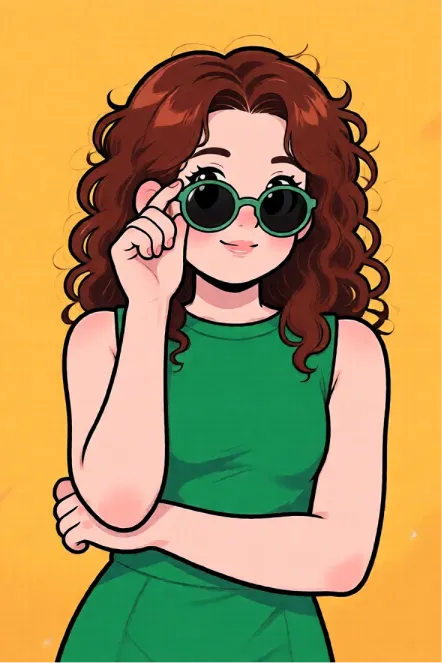
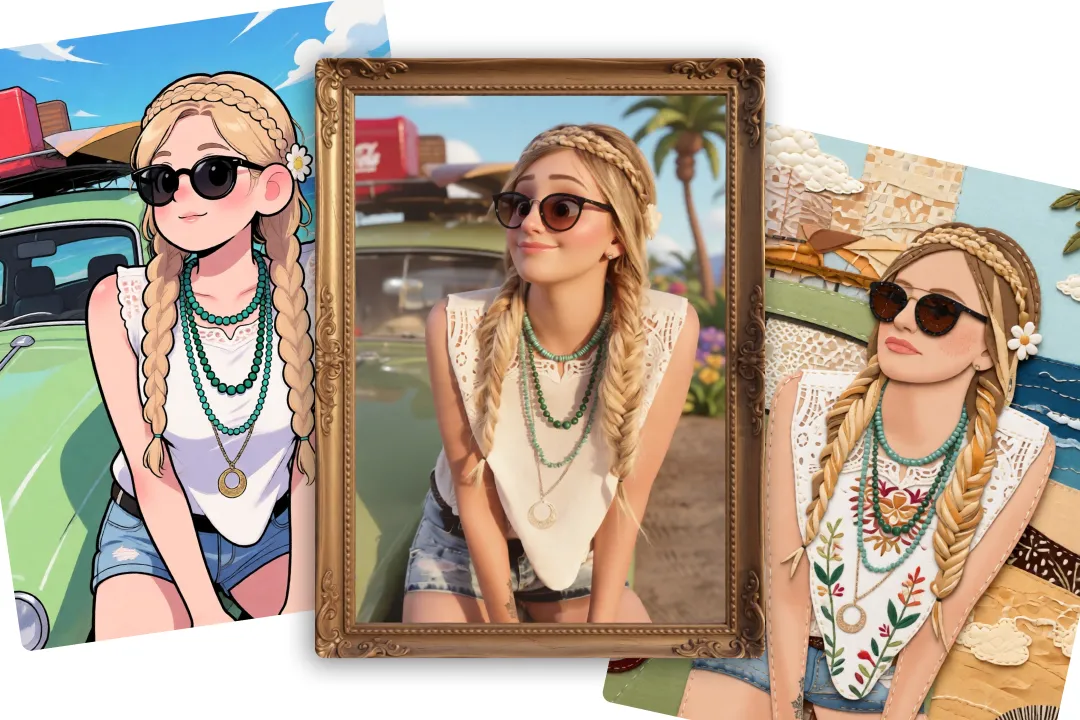
Turn Portraits into Cartoons and Avatars

Turn selfies and portraits into cartoon avatars, illustrated profile pictures, and other creative looks with AI.

Explore playful cartoon styles and artistic filters for social profiles, personal projects, or sharing with friends.

Choose a look that matches your style, from bold cartoon portraits to softer artistic transformations, without the need for manual editing.

turn-pets-into-memorable-characters

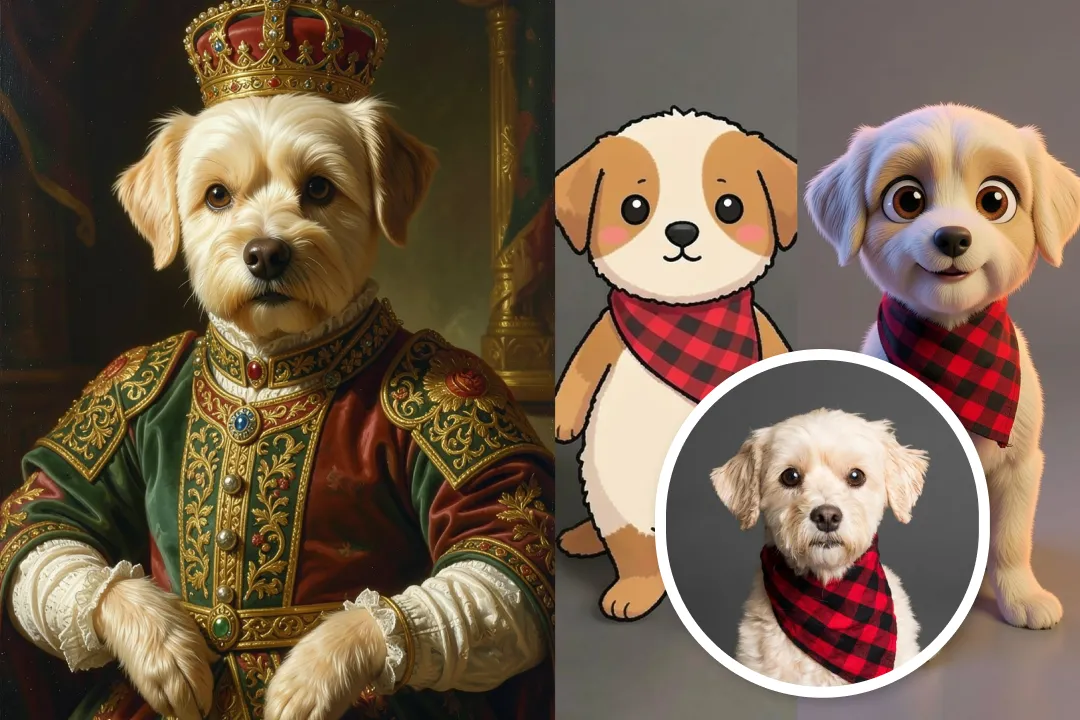
Cartoonize Pet Photos with AI Filters

Give dogs, cats, and other pets a playful new role with AI pet filters.

Explore illustrated pet portraits, toy-like figures, and royal looks to give your furry friends a creative new appearance.

Use your creations for social posts, digital keepsakes, or simply a fun way to celebrate your pet.

create-standout-product-visuals

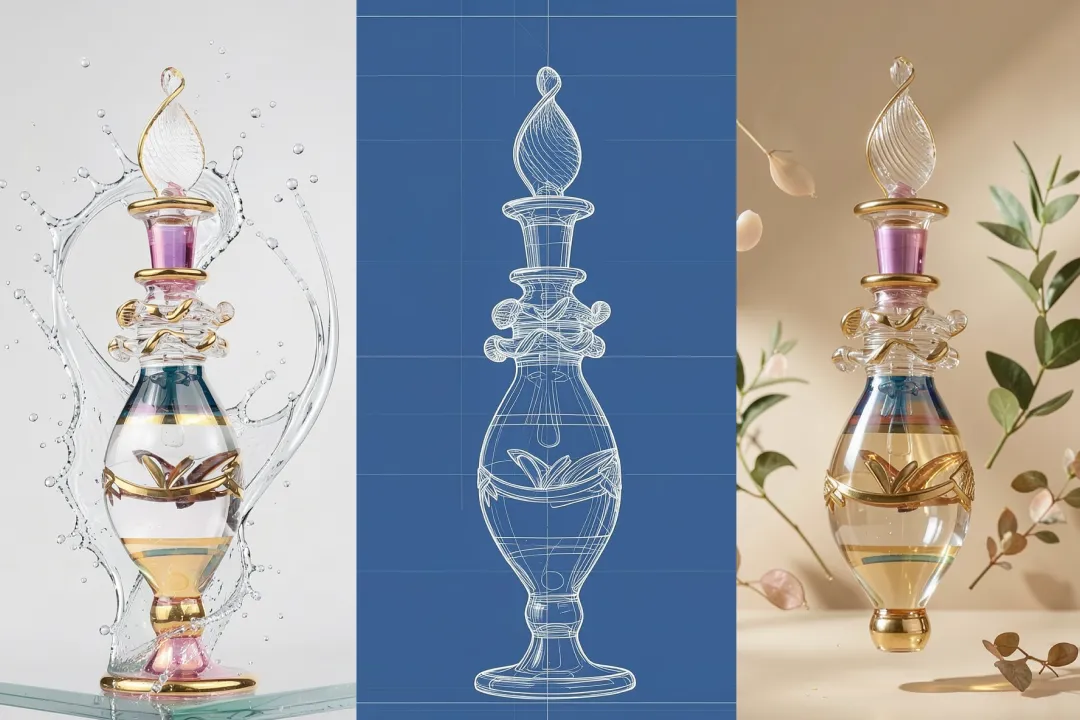
Create Standout Product Visuals

Use AI filters to explore creative directions for product photos.

Turn an ordinary product shot into a distinctive campaign or social visual with treatments such as dreamy, natural, or retro.

The product remains the visual focus while its materials, lighting, or surrounding atmosphere take on a different look.

turn-landscapes-into-personal-artwork

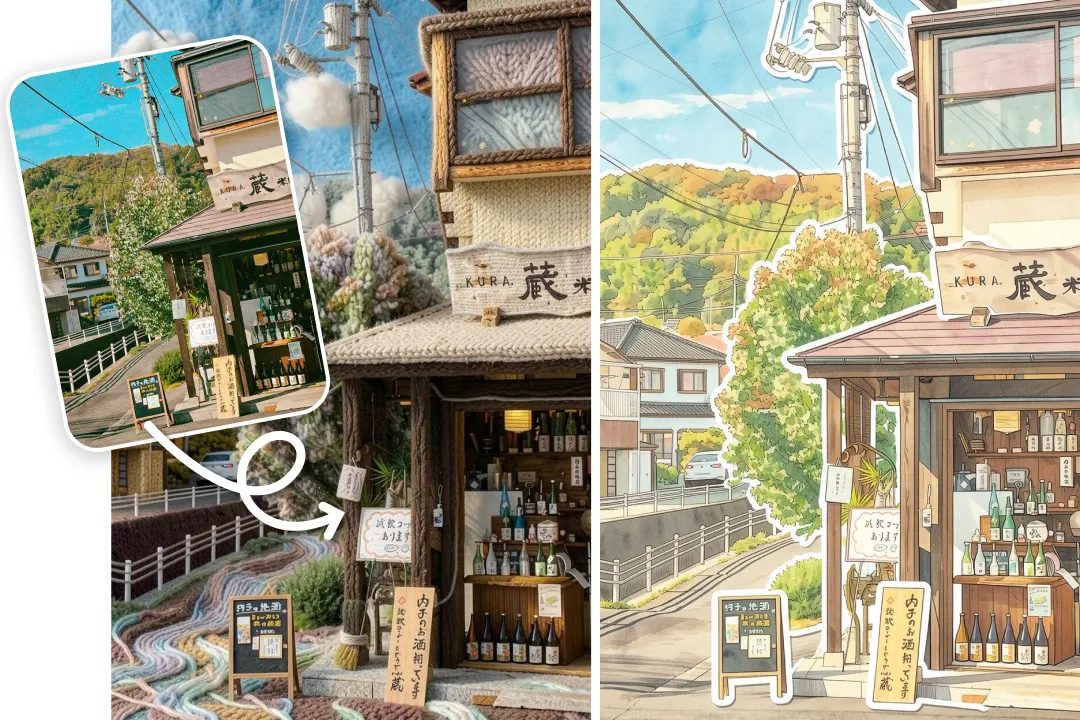
Turn Landscapes into Personal Artwork

Reimagine scenery, architecture, and travel photos with AI landscape filters.

Transform a familiar scene into a watercolor, storybook illustration, or textured artwork while keeping the original composition recognizable.

Create expressive images for digital collections, wallpapers, travel stories, or personal projects without rebuilding the scene from scratch.

How to Cartoonize Photos with AI Filters

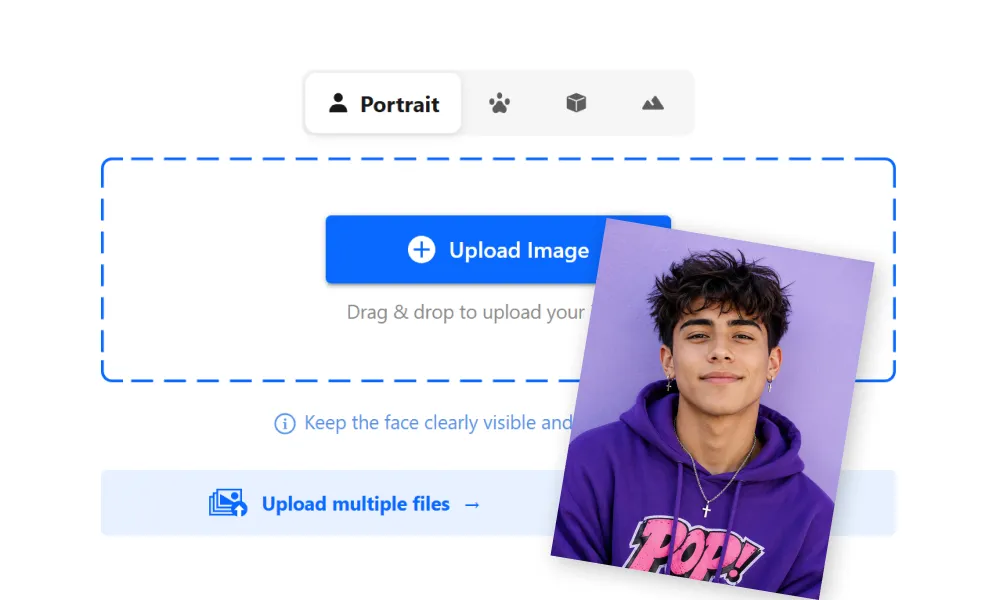
  1. Upload your image
    1.

    Upload your image

    Upload a photo of a person, pet, product, or landscape, or try a sample image.

  2. Choose a photo category and AI filter
    2.

    Choose a photo category and AI filter

    Select People, Pets, Products, or Landscapes to see filters suited to your image. Browse the available options and choose the look you want.

    Sign in to get free trial credits and try Plus filters.

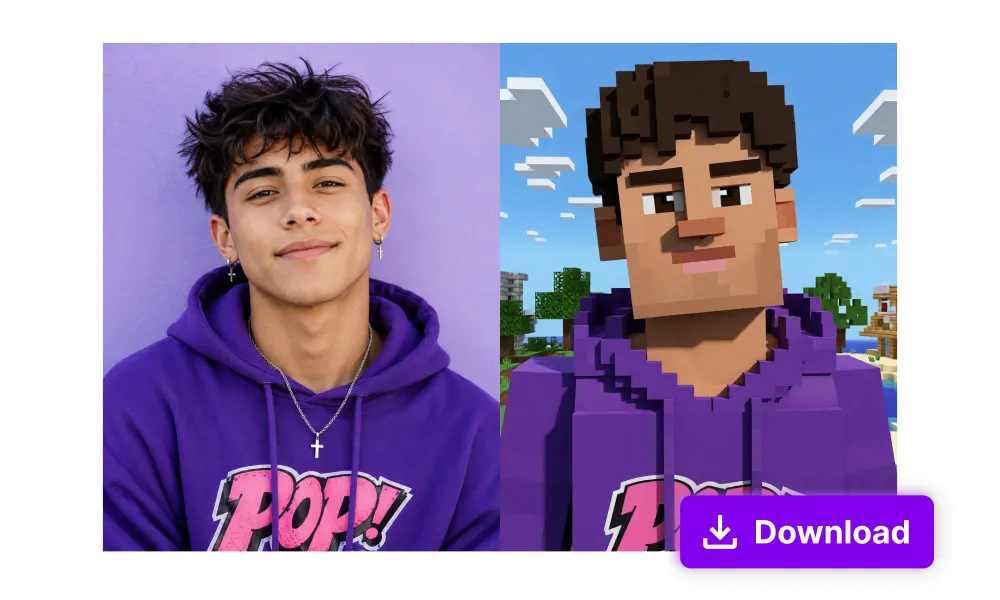
  3. Preview and download
    3.

    Preview and download

    Preview the generated result. Try another filter if you want a different look, then download your preferred image.

Related AI Tools

FAQ

What is Nero AI Photo to Cartoon Converter?

Nero AI Photo to Cartoon Converter uses generative AI to turn photos into cartoons and other creative art styles. Explore AI photo filters for portraits, pets, products, and landscapes to give your images a unique look.

How are AI filters different from traditional photo filters?

Traditional photo filters mainly adjust properties such as color, contrast, lighting, or texture. AI filters interpret the contents of a photo and generate new visual details based on the selected look. This enables a more substantial transformation, but it may also change parts of the original image.

What types of photos can I use?

You can use photos of people, pets, products, and landscapes. Select the category that best matches your image to view the most relevant filters.

Will AI filters preserve all the details in my original photo?

Not always. AI filters use your photo as a visual reference, but the generated result may change facial features, pet markings, product text, logos, objects, or background details. For better results, use a clear image and select the appropriate photo category.

Can I cartoonize photos for free, and how do Plus filters work?

New users can sign in to receive trial credits. Regular and Plus filters use credits at the same rate, and signed-in users can try Plus filters a limited number of times. After the Plus trial ends, a subscription is required to continue using Plus filters.

Can I cartoonize photos on my phone?

Yes. AI Photo Enhancer & Upscaler - Nero Lens is available for mobile users. Visit lens.nero.com to find the version for your device.

Always stay up to date