
'/%3e%3cpath%20d='M9.20607%2011.18H8.22507L5.36907%206.84001V11.19H4.38007V5.00001H5.37007L8.23407%209.35001V5.00001H9.21507L9.20607%2011.18ZM14.7511%206.00001H11.6581V7.49001H14.4581V8.49001H11.6581V10.1H14.7501V11.1H10.6691V5.00001H14.7421L14.7511%206.00001ZM22.0121%2011.16H21.0221L19.6641%206.56701L18.3061%2011.177H17.3251L15.5731%204.99701H16.6421L17.8001%209.43001L19.1311%205.00001H20.2001L21.4791%209.43001L22.6441%205.00001H23.7201L22.0121%2011.16Z'%20fill='white'/%3e%3cdefs%3e%3clinearGradient%20id='paint0_linear_335_20214'%20x1='0'%20y1='0'%20x2='13.2875'%20y2='24.913'%20gradientUnits='userSpaceOnUse'%3e%3cstop%20stop-color='%231774FE'/%3e%3cstop%20offset='1'%20stop-color='%238F06FB'/%3e%3c/linearGradient%3e%3c/defs%3e%3c/svg%3e)
Process images inside your favorite platforms
Nero AI supports plugins on third-party platforms so you can upscale, remove backgrounds, compress images, and improve visual quality without leaving your existing workflow.
Three reasons teams choose Nero AI plugins
Simple integrations that fit naturally into how you already work.
Integrates your existing workflow
Run image processing directly in the platform you already use — no tool switching, no extra exports.
Convenient and efficient
One-click tools designed for common production tasks — faster edits, cleaner results, less manual work.
Data security
Use an API Key to control access and keep your workflow protected, so teams can work with confidence.
Available on popular platforms
Click a plugin below to open its marketplace listing. Each plugin can be connected with an API Key, and you can claim free trial Credits after signup.
Figma Community plugins
AI image tools for designers: remove backgrounds, upscale images for crisp UI assets, and compress/export optimized files for faster collaboration.
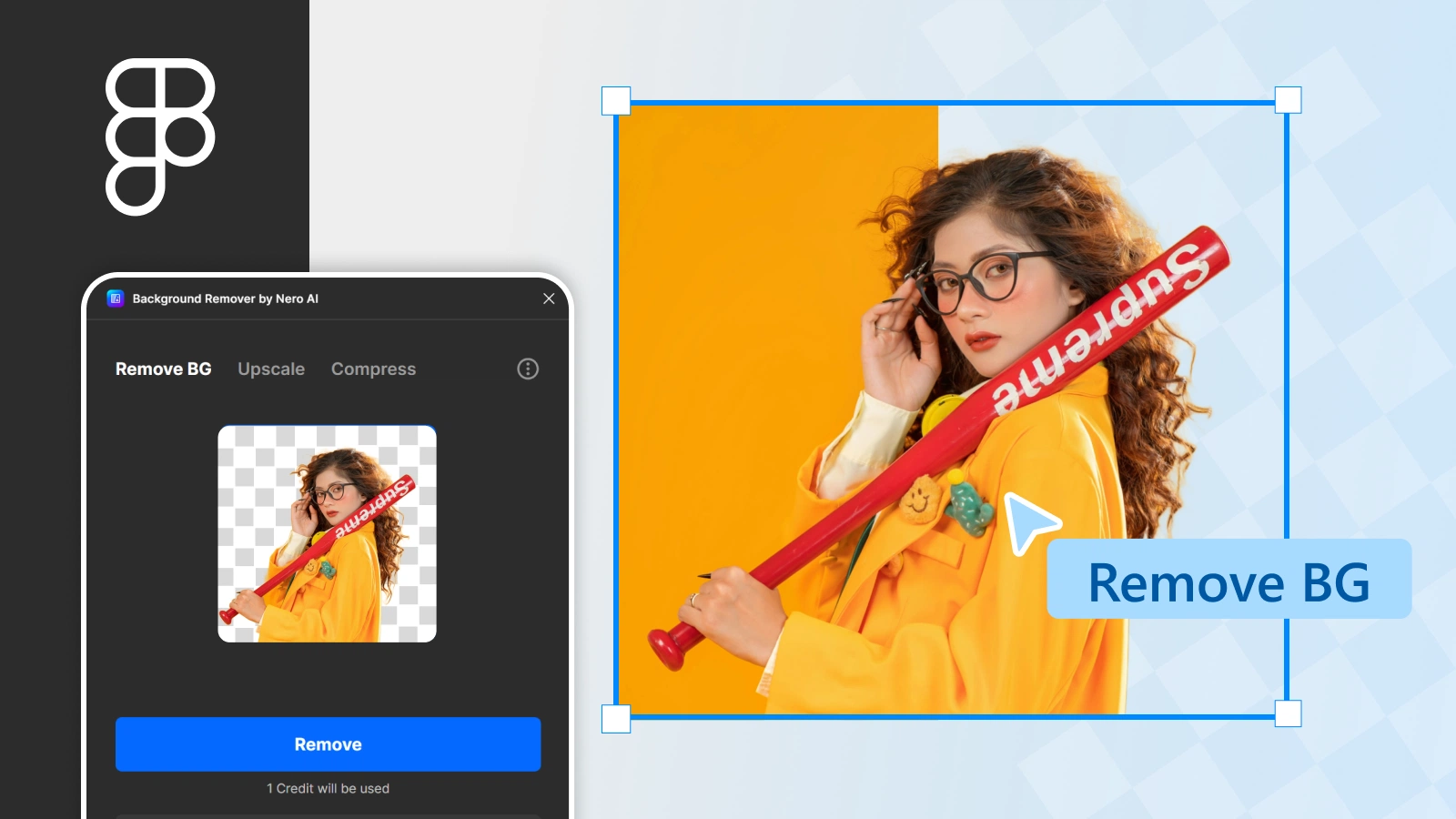
Background Remover by Nero AI
Remove image backgrounds in Figma for clean cutouts and transparent PNG-ready assets.
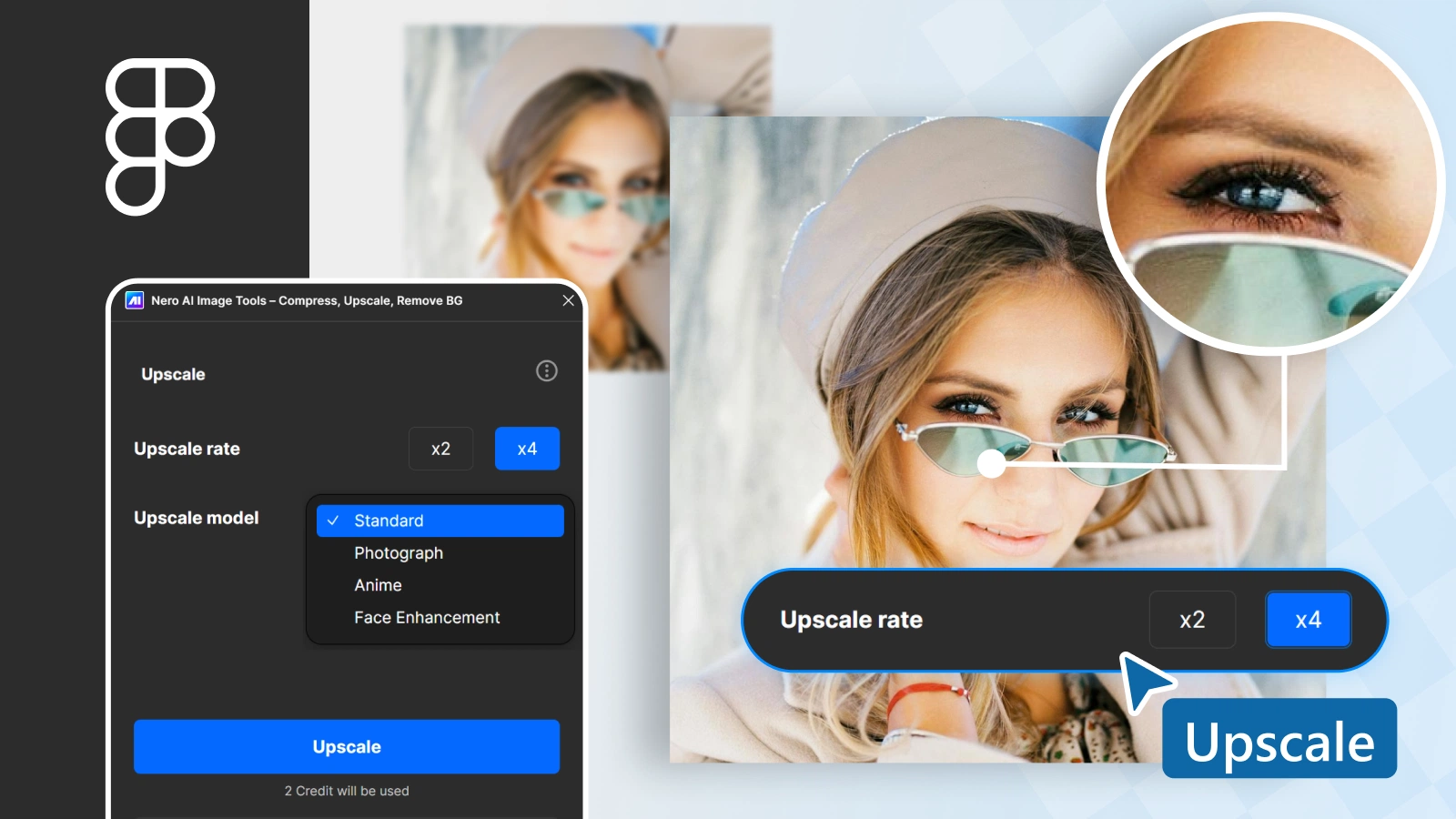
Image Upscaler by Nero AI
Upscale low-resolution images in Figma to improve clarity for UI elements and exports.
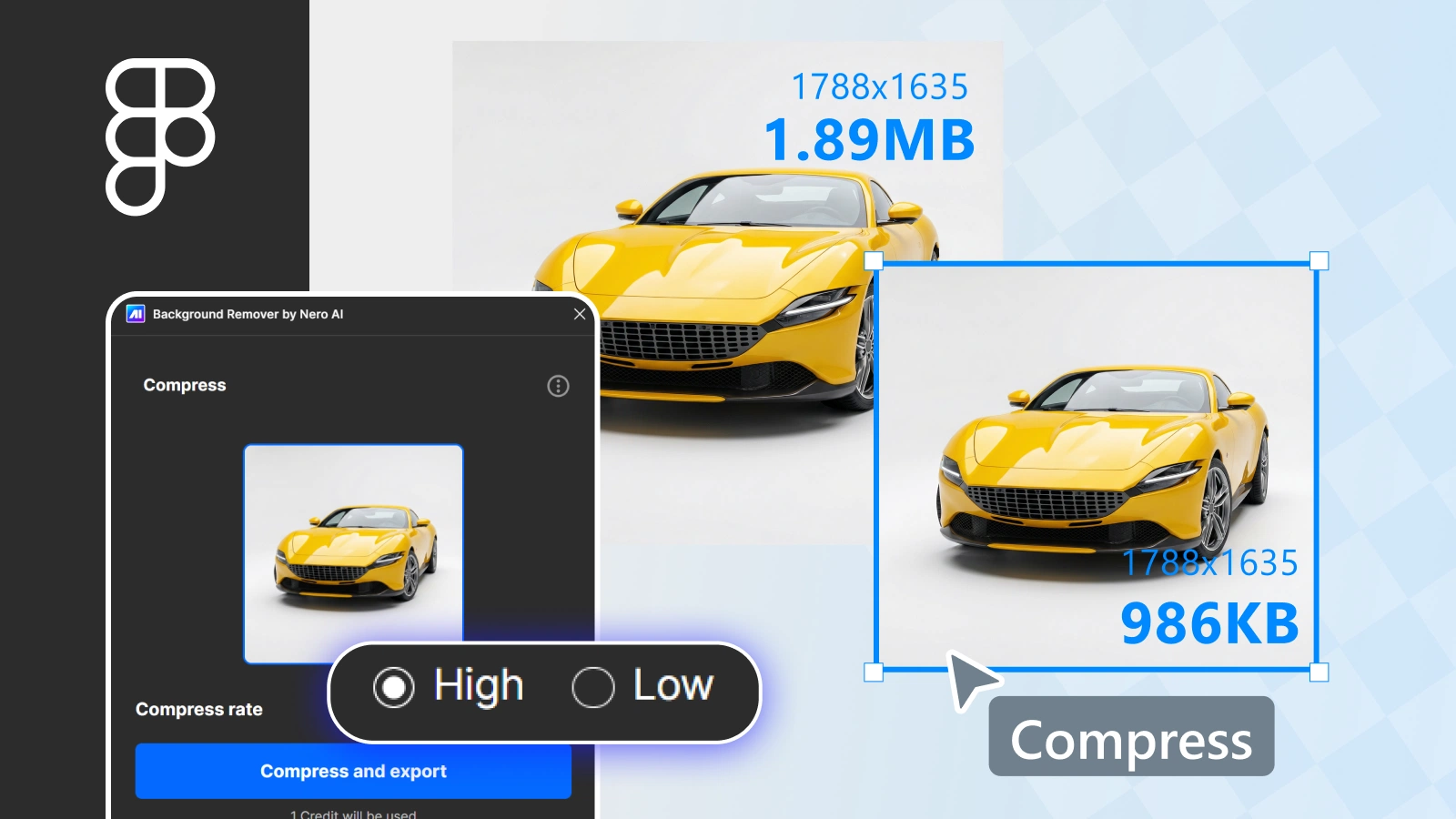
Image Compressor & Exporter
Compress images and export optimized files from Figma for better performance.
Others
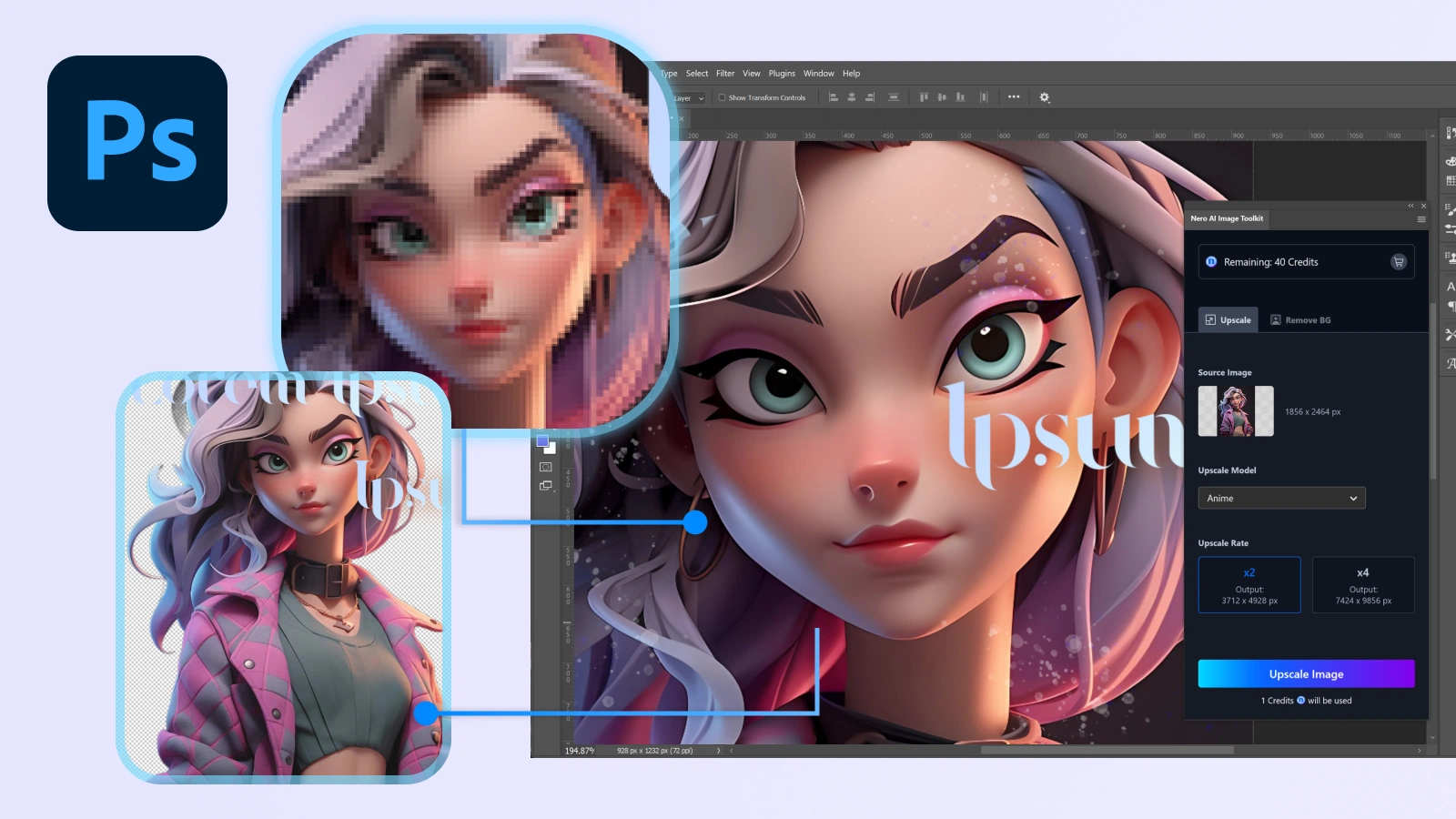
Nero AI Image Toolkit
Enhance photos, upscale images, remove backgrounds, and compress outputs in Photoshop.

Nero AI Photo Optimizer
Enhance product images for Shopify and optimize visuals + loading performance.
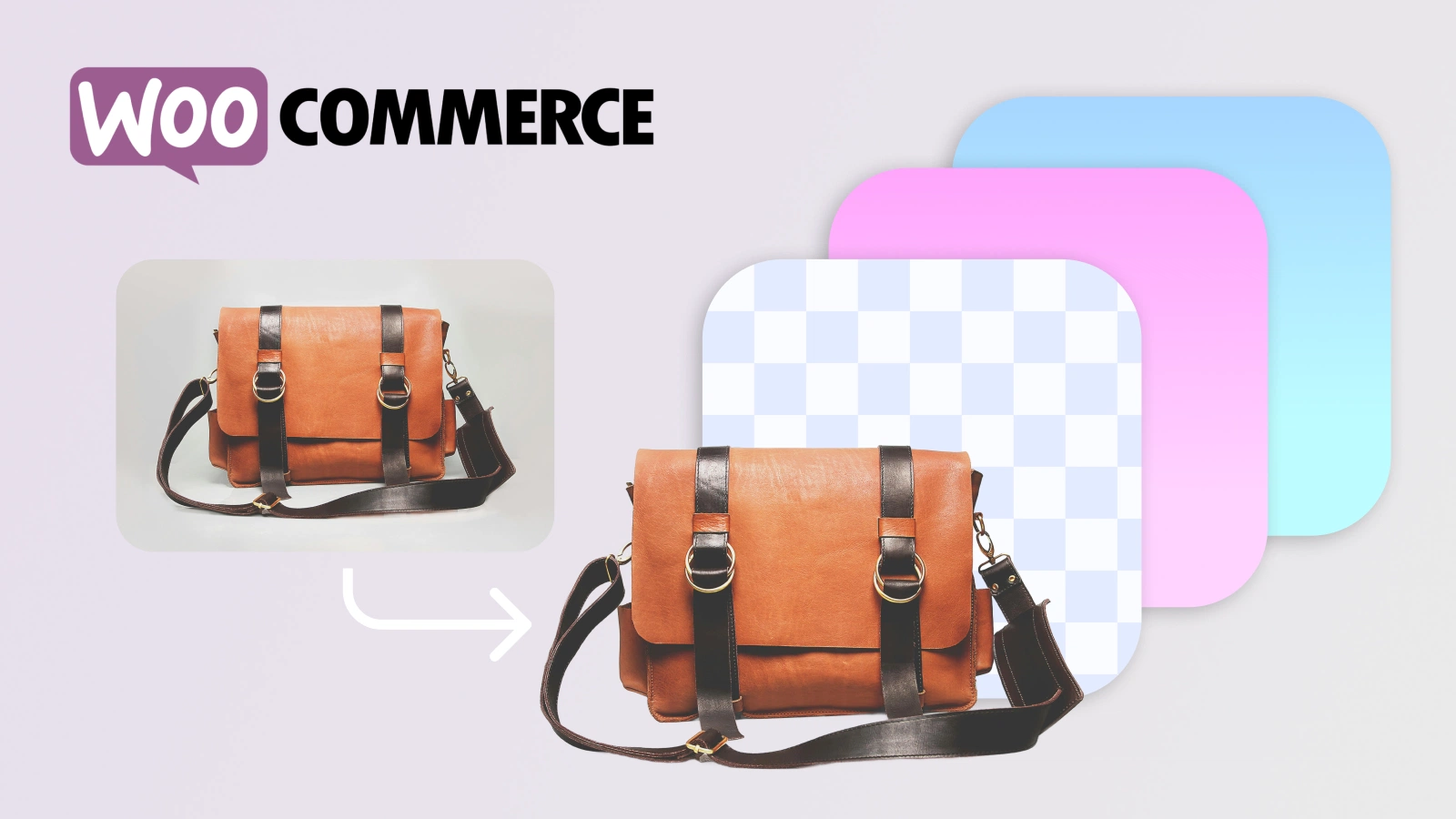
Nero AI Product Image Optimizer for WooCommerce
Optimize WooCommerce product images with background removal and background changing.
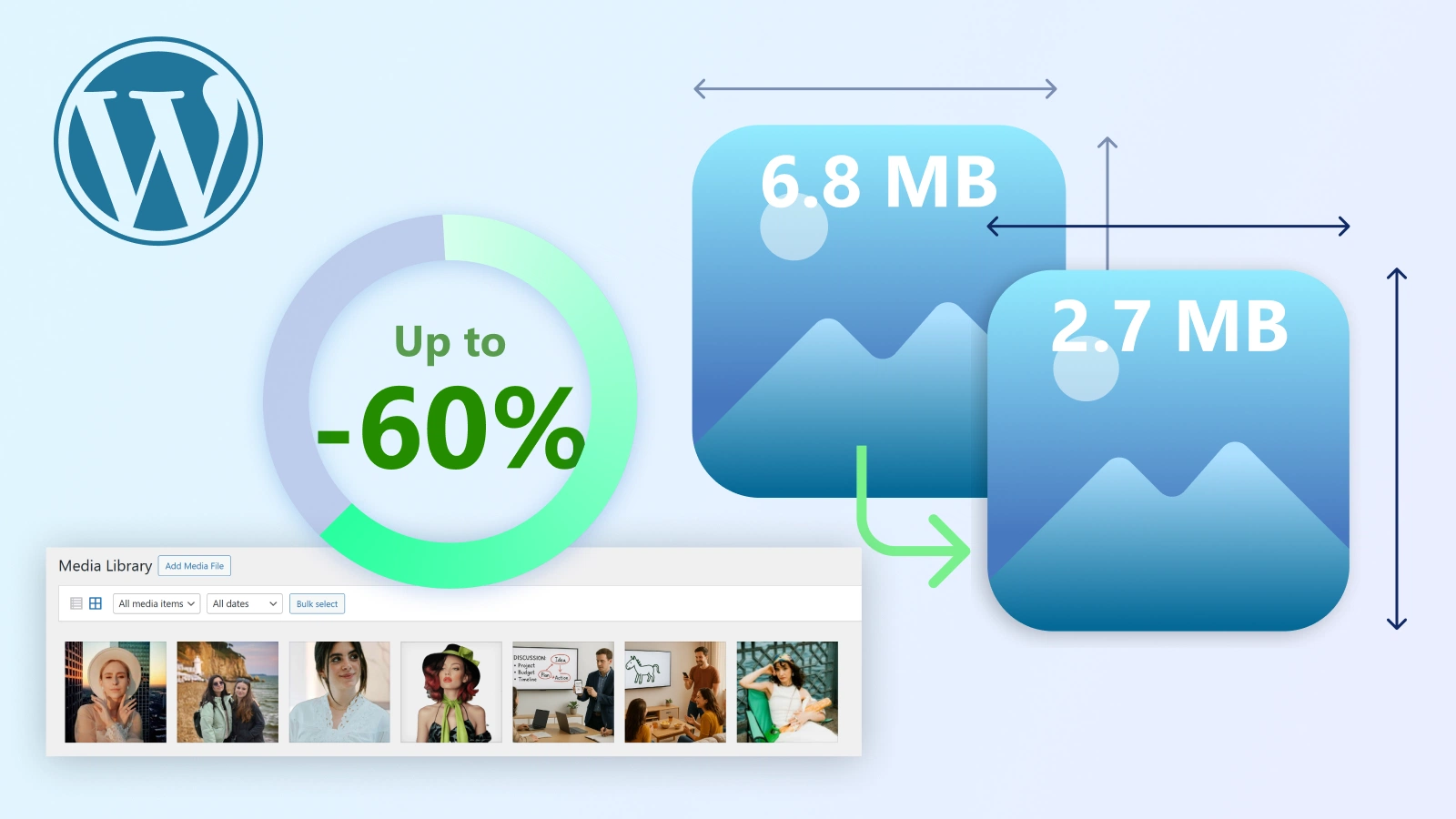
Nero AI Image Compressor
Compress WordPress images to reduce file size and improve performance + SEO.
How it works
Install from the marketplace, connect with an API Key, then claim free trial Credits to begin AI image processing for background removal, upscaling, photo enhancement, and image compression.
Install from the marketplace
Find Nero AI in Figma Community, Adobe Exchange (Photoshop), Shopify App Store, or WordPress.org and install the plugin.
Register & generate an API Key
Create a Nero AI account and generate an API Key to securely connect your plugin.
Claim free trial Credits
Unlock free trial Credits to try background removal, image upscaling, photo enhancement, and image compression/export.
FAQ
Quick answers about plugin installation, API Key setup, free trial Credits, and AI image processing features like background removal, upscaling, and compression.