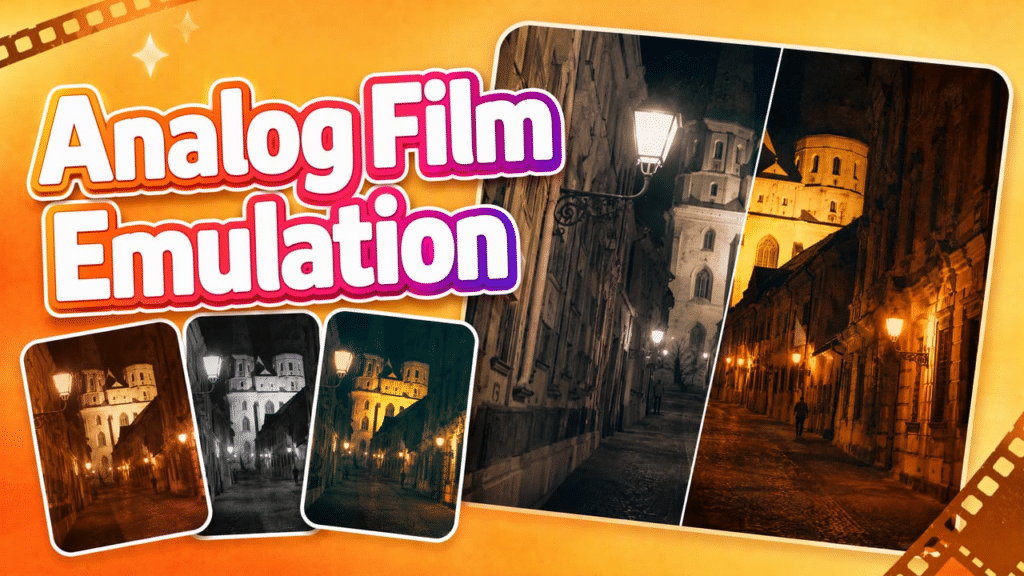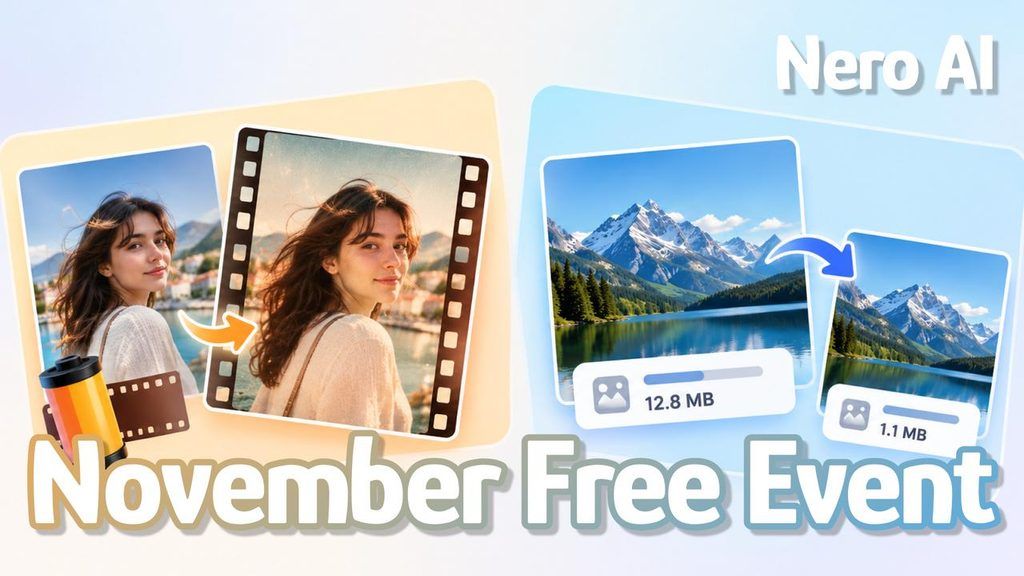
From November 3 to December 3, 2026 (ending at 00:00 GMT), Nero AI Film Emulation and Image Compressor will be free to use—with zero credits required, unlimited uses, and access to all Film Emulation styles, including those previously reserved for subscribers.
Whether you want to give digital photos a film-inspired look or make image files smaller for uploading and sharing, Nero AI Film Emulation and Image Compressor will let you do it without spending credits. Here’s what the offer includes and how to take part.
What’s Included in the Free Offer?
During the promotion, processing with either tool will use 0 Nero Credits, with no limit on the number of times you can use the tools during the offer.
For Film Emulation, that includes Pro styles marked with a yellow diamond, previously available only to subscribers. Free users will be able to try those styles without upgrading. All features within these two tools will be included in the promotion, including their normally subscription-only features.
Image Compressor normally requires credits to process images. During the promotion, that credit cost will drop to zero.
You won’t need a paid subscription to participate, but you will need to register and log in to Nero AI Workshop. The promotion covers Film Emulation and Image Compressor—not other Nero AI tools or a sitewide Pro subscription.
Give Your Photos a Film-Inspired Look with Film Emulation
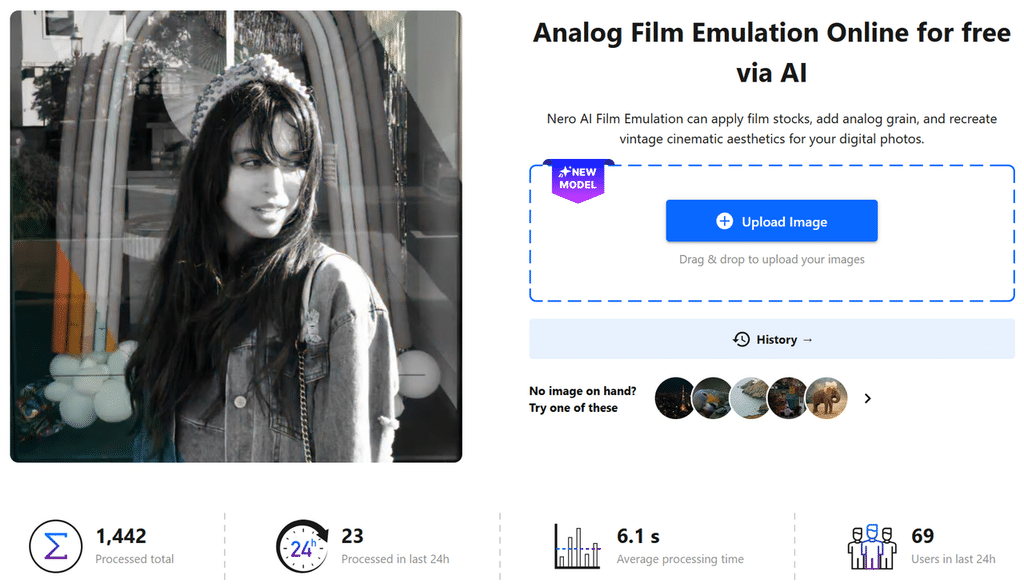
A portrait, street scene or landscape can take on a different character with a change in col
or and texture. Nero AI Film Emulation applies film-style colors, grain and glow to digital photos, giving you a way to explore an analog-inspired look with images you already have.
Choose from color negative, slide film, black-and-white and special film presets. Explore the Pro styles alongside the other options to find a look that suits your photo. Try a nostalgic feel for a travel photo, a cinematic look for a street shot, or timeless black-and-white styling for a portrait.
You can adjust the overall effect, grain or halation—the glow around bright areas—to suit your photo. Keep the texture subtle or explore a more pronounced film look, then compare versions before choosing a favorite.
Very dark, noisy or heavily compressed photos may produce less predictable results. If the texture feels too grainy, reduce the grain strength.
Reduce Image File Sizes with Image Compressor
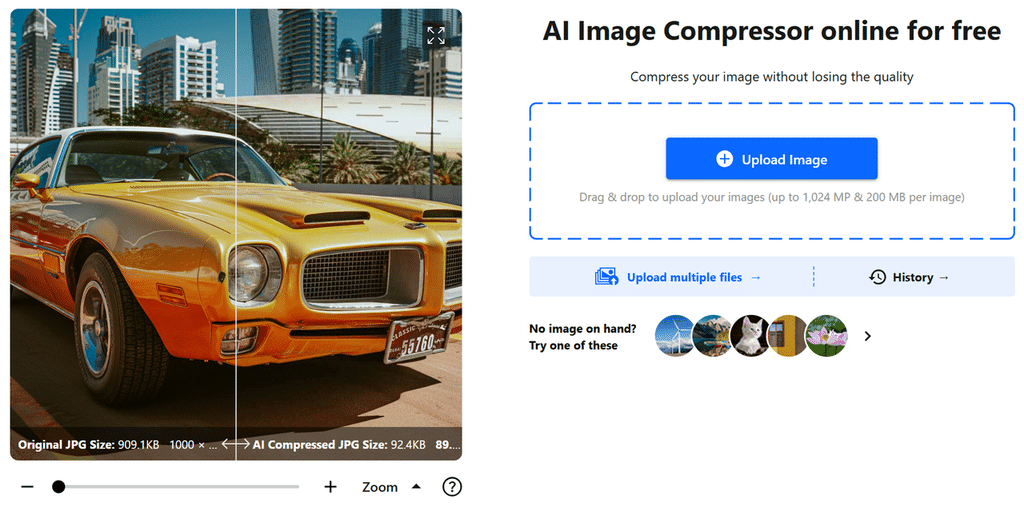
If your priority is a lighter file rather than a new look, Nero AI Image Compressor helps reduce image file size without changing its pixel dimensions. That can make files more manageable for storage, uploads or online use.
The interface offers three compression choices: High, Low und Custom. High means higher compression with lower quality, while Low means less compression with higher quality. Choose according to whether a smaller file or preserving more image quality matters most for your intended use.
Compression results depend on the original image. An already-optimized file may shrink less, and stronger compression can affect its appearance. Check the output as well as the file size, particularly when fine details or text need to remain clear.
During the promotion, you can process images without the usual credit cost. Pick a setting, review the result and download the version with the balance of file size and image quality that suits your needs.
How to Start Using the Free Tools
Register for a Nero AI account, or log in if you already have one. Open the tool you want to use, upload your image and choose a film style or compression setting. Start processing, review the result and download it.
From November 3 to December 3, give your photos a fresh look or make your image files smaller—all without spending Nero Credits. Choose your tool and start exploring.
Try Film Emulation for Free for a film-inspired look, or Compress Images for Free for smaller files.